Lotamyst Overlay — your games, your mods, and 155 native tools.
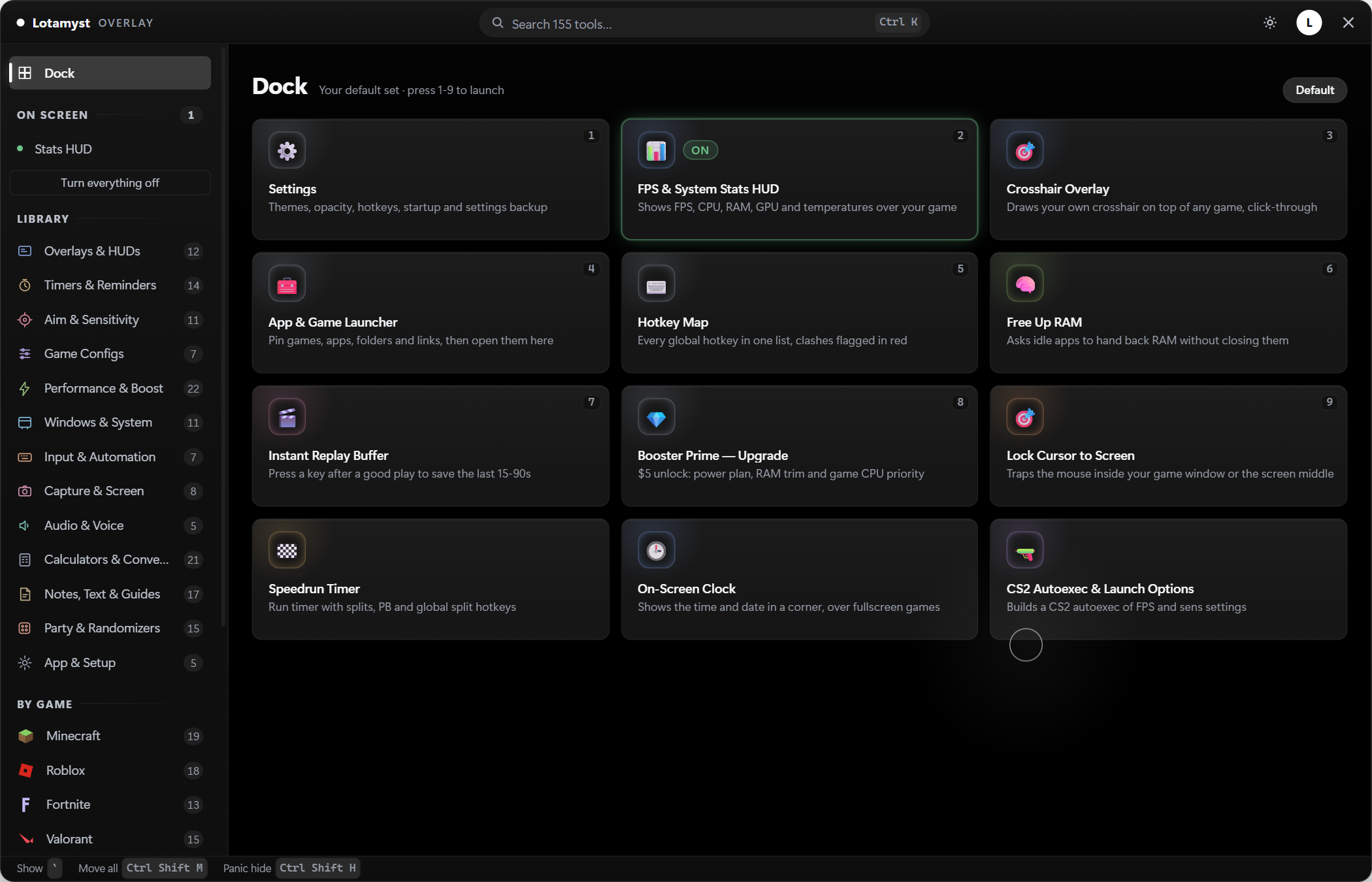
It opens on your game library — everything installed through Steam, Epic, GOG, Game Pass, Battle.net and Ubisoft Connect in one place, plus your Minecraft modpacks and your pinned Roblox games, with a tab for each. It mods around 300 of those games in one click, Lethal Company and Risk of Rain 2 and Valheim among them — whole modpacks too, working out everything they need and installing it together. And press Ctrl+Shift+L over a running game and 155 native tools float on top: keystroke display, crosshair, FPS HUD, speedrun timer, macros. No alt-tab, no game hooks.
Windows 10/11 · you'll need a free lotamyst.net account · installs in seconds and updates itself
Try it — right here
A tiny in-browser mock of the real overlay. Drag the crosshair, the stats HUD and the timer anywhere in the frame.
This is the real idea — crosshairs, HUDs and timers that float over any game. The app does it natively, over your actual games, at near-zero FPS cost.
What's inside
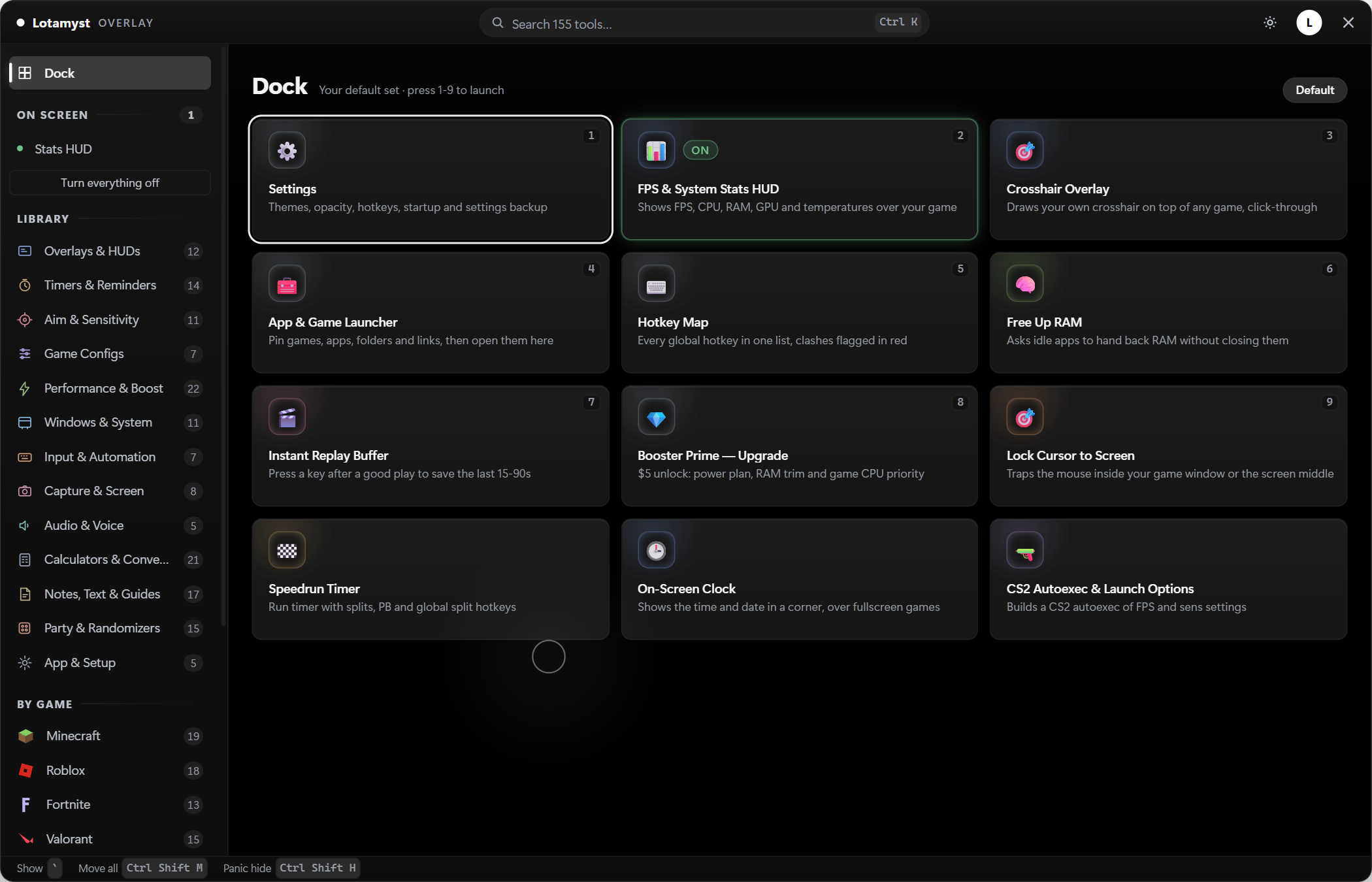
Your whole library, plus 155 native tools — every one running inside the app itself. No embedded browser, no page loads.
Your game library
Finds everything installed through Steam, Epic, GOG, Game Pass, Battle.net and Ubisoft Connect, with cover art, and launches it. A tab for each platform, so you can see one store at a time. Add anything the stores don't know about — an emulator, an itch download — by hand. Free.
Set a game up once
Pick what happens when you launch it: power plan, priority, memory, notifications off, a monitor's refresh rate, apps closed while you play, your replay buffer armed, custom launch flags. Put back when you quit — even if the app is killed. Share a setup as a short code.
Close apps while you play
Pick from what's actually running. Every one tells you up front whether it can be started again, and only what we closed gets reopened. Store clients and anti-cheat are never on the list.
A refresh rate per game
Run a monitor at a different rate for one game. Only rates your driver reports, and it's never saved as your Windows setting — so Windows restores it by itself even if the app dies.
Mods for around 300 games
Lethal Company, Risk of Rain 2, Valheim, Content Warning, ASTRONEER and hundreds more through Thunderstore — plus Minecraft through Modrinth. It works out which of your installed games can be modded, sets up the loader they need, and searches and installs without leaving the app.
Mods that actually work
Most of these mods are built on other mods — some need twenty-odd. The app works out that whole list, shows it to you with the size, and installs it together, so you never end up with a mod that silently never loads. If any part can't be fetched, none of it is installed.
Whole modpacks in one click
Install somebody's entire set-up — often a hundred mods with the settings already tuned. You see everything that's coming and the total size before it starts. If any part can't be fetched, none of it is installed, so you never end up half-way.
Bring over a setup you already have
Already use r2modman or the Thunderstore app? Your profiles show up here and copy across in one go. It reads the list only — your profiles there are never changed — and mods you'd switched off stay switched off.
Update, switch off, or swap sets
See which mods have a newer version and update them. Switch one off without deleting it — nothing is rewritten, its settings stay, and it comes back identical. Save which mods are on as a named profile and click between a modded run and a lighter one.
Your Minecraft modpacks, launchable
Packs you've set up in the Modrinth app appear beside your Steam and Epic games and launch from here — with their playtime tracked. You can even start straight into a particular world, or onto a server you've played on, skipping the menus.
It won't wreck a setup you already have
Nothing is written over a file you might have changed — anything replaced is kept so you can put it back. Mods you installed by hand are never removed by us, packs belonging to CurseForge or Prism are left alone rather than broken, and anything the app does remove goes to the recycle bin.
It tells you when a tool could cost you an account
Open something that clicks, aims or types for you while a game like VALORANT or Fortnite is running and it says so. Those break the rules of nearly every competitive game whether the anti-cheat spots them or not. It stays quiet for the overlay itself and for anything that only draws on top — warning about everything just teaches you to ignore it.
Roblox, honestly
It counts how many of your FastFlags Roblox still honours — since 2026 only 18 work — and now bundles the ones with citable effects into presets: Frames first, Low but readable, Looks best, and Back to Roblox's own settings. Save your own, share them as a short code, and bind one to a game so it applies before launch. If Bloxstrap was uninstalled and left your flags in a file nothing reads, it says so — and moves them to the file Roblox actually uses.
Your Roblox games, pinned
Search Roblox's catalog from inside the app — no sign-in — and pin the games you actually play. Each one becomes a library tile with cover art that launches on click, carries its own flags preset, and tracks your playtime like any other game.
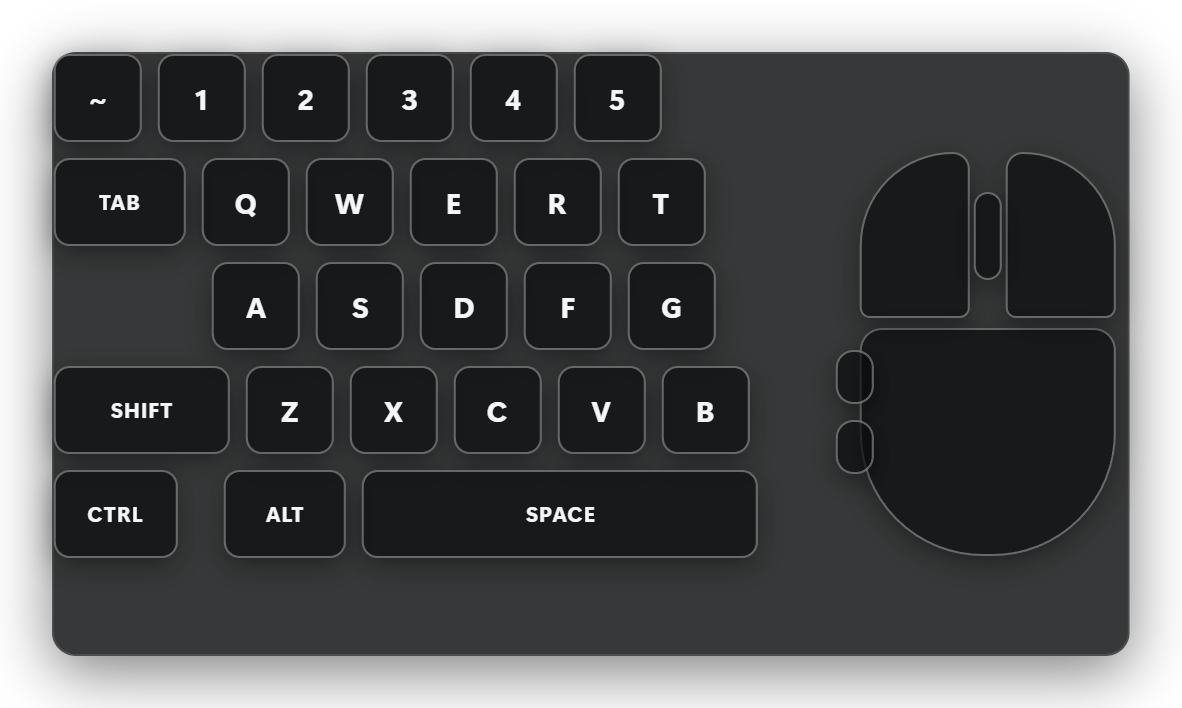
Keystroke display
Show your inputs on stream or in clips — keyboard + mouse layouts and a movement meter, with custom colors.
Crosshair overlay
7 styles with live preview — what you see in the picker is exactly what lands on screen.
FPS + 1% lows HUD
Real frame stats plus CPU/GPU readouts in a corner HUD — measured at ~2.4% of one core.
Speedrun timer
LiveSplit-style splits with global hotkeys and a themed on-screen timer.
Auto clicker & macros
Configurable click rates, plus record-and-replay macros for repetitive grinds.
Borderless windowed
Force any game into borderless fullscreen with one click — no more alt-tab flicker.
Screen ruler & zoom
Measure pixels on screen or magnify any region — handy for building, aligning and pixel hunts.
Game guides
Built-in progression checklists (Terraria Calamity class guide included) — or build your own.
Windows cleanup
Memory optimizer, storage cleaner, task and startup managers — tune the PC without leaving the game.
155 native tools
Timers, counters, ping monitor, region screenshot, key mapper, converters and more — all running in the app itself, so they open instantly with no page to load.
Auto-updates
Install once — new tools and fixes arrive by themselves in the background.
Movable overlays
Drag any HUD — timer, stats, keystrokes — exactly where you want it, and it stays put. Or press Ctrl+Shift+M and reposition every overlay on screen at once.
Loadouts
Save the HUDs you want as a kit and bring the whole set back with one click. Bind a kit to a game and it swaps in by itself when that game takes focus — and share codes let you paste a whole setup to a friend.
Panic key
One press of Ctrl+Shift+H and every overlay vanishes instantly. Press it again and exactly what was up comes back — the HUDs you had switched off stay off.
Themes & layouts
Eight colour themes and five layouts, all unlocked. Make the menu look how you want it, not how we shipped it.
How it works
Three steps, about two minutes.
Make an account
Free, and no email needed — sign in with Discord, or pick a username and a PIN.
Download & install
Signed in, hit Download at the top of this page and run the installer. It takes seconds and updates itself after that.
Launch a game, press the hotkey
Start a game from your library, then hit Ctrl+Shift+L and the full toolset floats on top. Rebind it anytime.
The honest bits
Read this before you buy — no surprises.
- Free, with an account. The app, your whole game library, your modpacks and 80 of the 155 native tools cost nothing. Premium — $0.79/month or $6.49 once — covers the 75 that make a game run and feel better: performance and boost, aim and sensitivity, the Windows tuning tools, on-screen overlays, input tools, screen capture and the audio kit. Everything free on the site stays free.
- Windows 10/11 only. No macOS or Linux version — the native tools lean on Windows APIs.
- Updates verify themselves. Every update is checked against a hash published with the release before it is allowed to run, so a tampered download simply won't install. The installer is not code-signed, so Windows SmartScreen will warn you the first time — click More info → Run anyway. We'd rather tell you that than pretend it doesn't happen.
- It keeps itself current. Auto-updates run in the background, so you install once and always have the newest tools.
Booster Prime
One payment, every game's deep boost — separate from Premium, and not a subscription.
The overlay's boost tools go as far as they go for free. Booster Prime unlocks the deep pass on every game you own, forever — no renewal, no account tier to maintain.
Unlock Booster PrimeSign in first so it unlocks your account · already own it? It's already on.
FAQ
Straight answers.
Does it work with any game?
Yes — the overlay is an always-on-top window, so it draws over any game running in borderless or windowed mode, which is how most modern games run by default. Exclusive fullscreen hides any overlay; switch the game to borderless (the overlay even ships a one-click borderless-windowed tool to do it for you).
Is it a cheat?
No. The Lotamyst Overlay is display and utility tools only. It never reads or writes game memory, never injects into a game process, and uses no game hooks — it simply draws its own window on top of your screen, like Discord's overlay or a second monitor would.
How much CPU or FPS does it cost?
Near zero, measured. When the menu is closed the app is just an idle tray process. Even the heaviest tool — the FPS + 1% lows stats HUD — uses burst sampling and measured about 2.4% of a single CPU core while visible, with no measurable effect on game frame rate.
Can I change the hotkey?
Yes. Ctrl+Shift+L is the default, and you can rebind it from the tray icon or in-app settings. Tools with their own hotkeys — like the speedrun timer's split keys — are only armed while that tool is on screen, so they never steal keys from your game.
How do updates work?
The overlay updates itself. Install it once and new tools and fixes download quietly in the background — you never have to reinstall or check a download page again.
One hotkey away
Your games, your modpacks and 80 native tools, free with an account. Premium adds the 75 that make a game run and feel better.